Best Elementor Tips for Business Websites
Master Elementor with these professional tips that will help you build stunning, conversion-focused business websites faster.
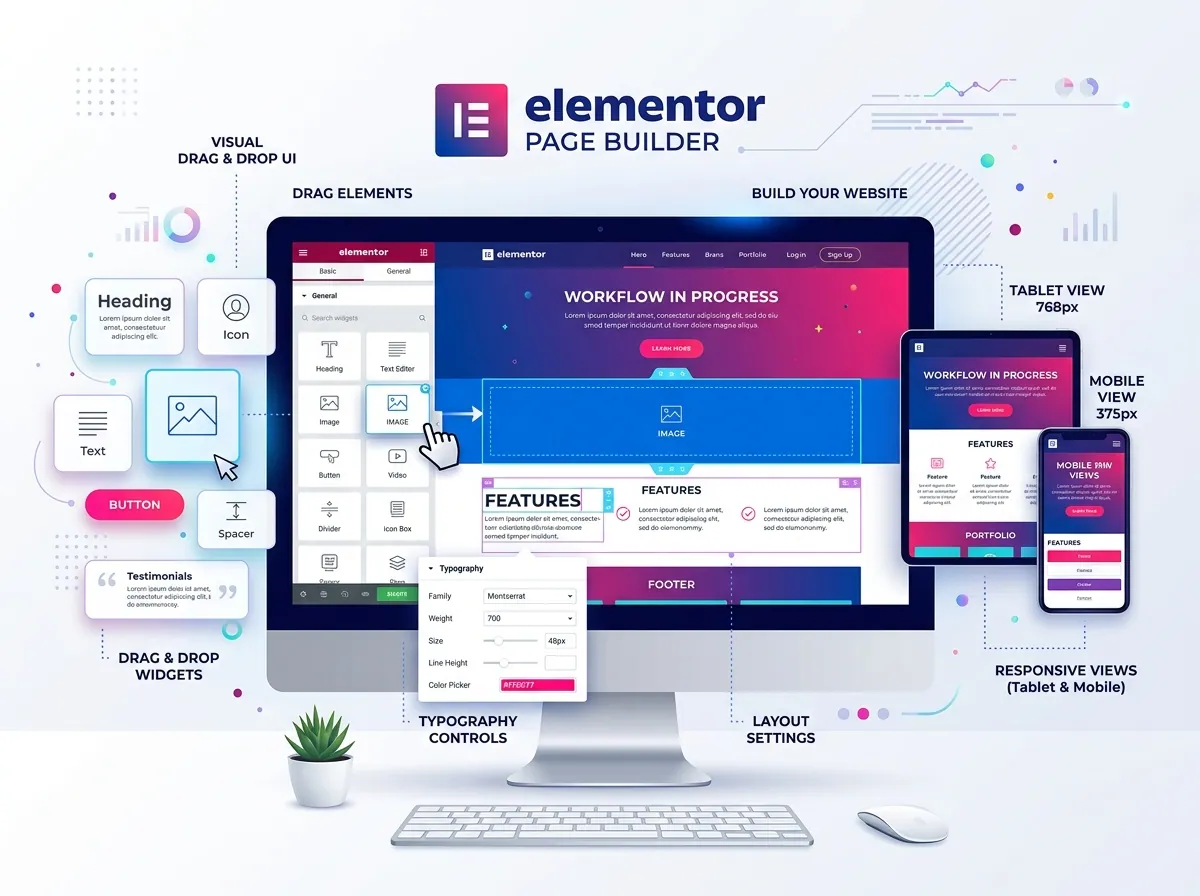
Elementor is the world's most popular WordPress page builder with over 12 million websites using it. These tips will help you build more professional, faster, and better-converting business websites.
Tip 1: Use Global Colors and Fonts
Set up your brand's color palette and typography in Elementor's Global Settings before building any pages. This ensures consistency and makes it easy to update your brand across the entire site.
How to set it up:
1. Go to Elementor → Site Settings → Global Colors
2. Define your primary, secondary, and accent colors
3. Set up Global Typography for headings and body text
Tip 2: Create Reusable Templates
Save time by creating global templates for:
- Headers – Your navigation bar
- Footers – Your footer section
- Sections – CTAs, testimonials, feature sections
Use Elementor's Theme Builder to assign these templates globally.
Tip 3: Optimize Images Before Upload
Large images are one of the biggest causes of slow WordPress sites. Always:
- Resize images to the actual display size before uploading
- Use WebP format instead of JPEG/PNG
- Use a lazy loading plugin for images below the fold
- Use Smush or ShortPixel for automatic compression
Tip 4: Use Flexbox Containers
Elementor's Flexbox Container (Flexbox layout) is far more efficient than the legacy Section/Column system. Enable it in Elementor Experiments and rebuild layouts for better performance and flexibility.
Tip 5: Limit Installed Widgets
Every Elementor widget adds some CSS and JavaScript to your pages. Disable widgets you don't use via Elementor → Elements Manager to improve site speed.
Tip 6: Use Dynamic Content
Elementor Pro supports dynamic content that pulls data from custom fields (ACF), WooCommerce, posts, etc. This is incredibly powerful for building portfolio sites, directory sites, or eCommerce pages.
Tip 7: A/B Test Your CTAs
Use Elementor's built-in A/B testing functionality (or third-party tools like Thrive Optimize) to test different CTA button text, colors, and placements to maximize conversions.
Conclusion
Elementor is powerful enough to build enterprise-level websites when used correctly. Master these tips to deliver premium quality websites faster and more efficiently.
Sujon
Senior WordPress Developer
Building responsive, high-performance and conversion-focused WordPress websites for businesses and international clients.