WooCommerce Website Development Guide
A complete guide to building a successful WooCommerce store, from setup to optimization for maximum sales and conversions.
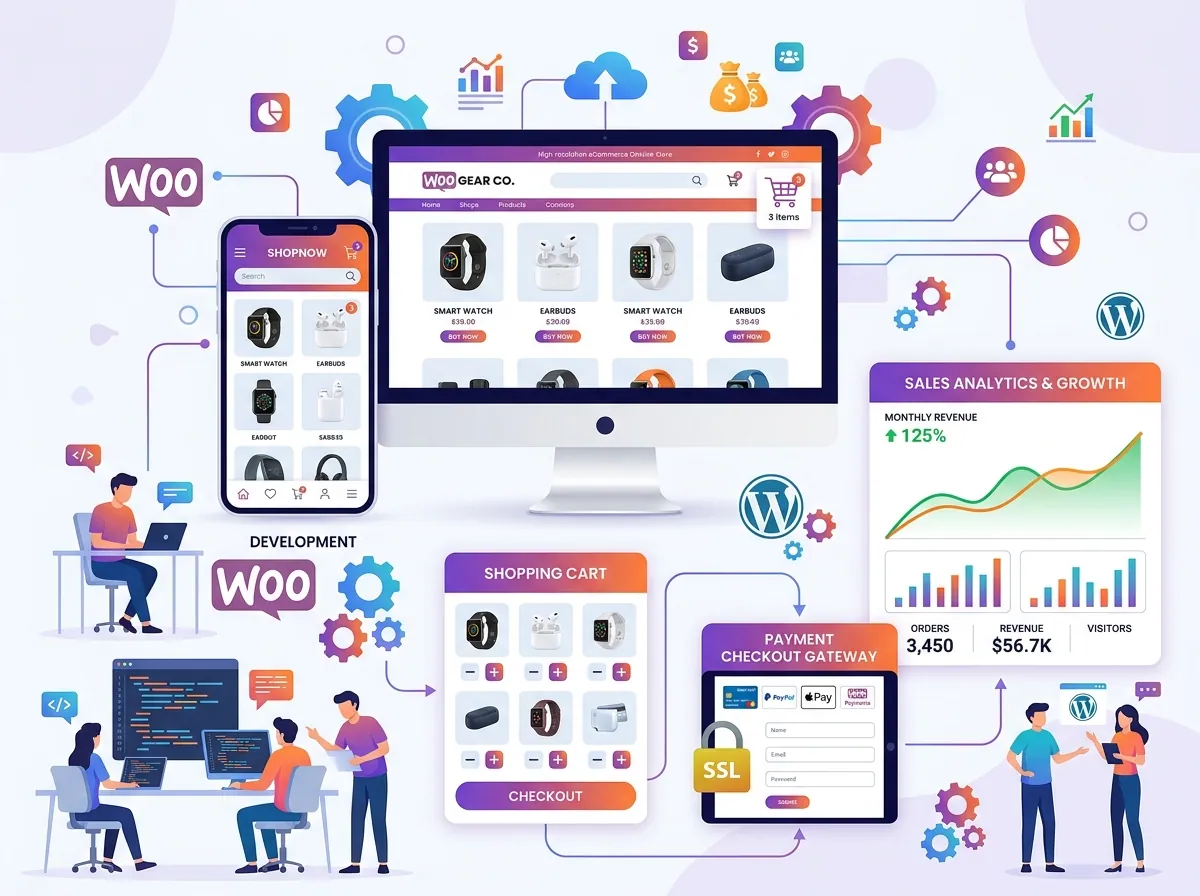
WooCommerce powers over 28% of all online stores worldwide. This comprehensive guide will walk you through building a professional eCommerce store that converts visitors into buyers.
Why Choose WooCommerce?
- Free and open source – No monthly fees for the core platform
- Unlimited products – No restrictions on catalog size
- Fully customizable – Complete control over design and functionality
- Massive ecosystem – Thousands of plugins and themes available
- WordPress powered – Leverage the world's most popular CMS
Phase 1: Planning Your Store
Before writing a single line of code:
Define Your Product Catalog
- Simple products (single items)
- Variable products (sizes, colors, etc.)
- Grouped products (bundles)
- Digital/downloadable products
- Subscription products (with WooCommerce Subscriptions)
Choose Your Payment Gateways
Popular options:
- Stripe – Best overall, supports cards, Apple Pay, Google Pay
- PayPal – Trusted by customers worldwide
- bKash/Nagad – For Bangladesh market
- Razorpay – Popular in South Asia
Phase 2: Technical Setup
Hosting Requirements
WooCommerce needs more resources than a basic blog:
- Memory: Minimum 256MB, 512MB recommended
- PHP: Version 8.0 or higher
- MySQL: Version 5.6 or higher
- HTTPS: Mandatory for payment processing
Essential WooCommerce Plugins
1. WooCommerce (free core plugin)
2. WooCommerce Stripe Payment Gateway
3. WooCommerce PDF Invoices
4. WooCommerce Social Login
5. YITH WooCommerce Wishlist
6. WooCommerce Cart Abandonment Recovery
Phase 3: Design and UX
Product Page Optimization
Your product page is where purchase decisions are made:
- Large, high-quality product images (multiple angles)
- Clear, benefit-focused product description
- Prominent "Add to Cart" button
- Social proof (reviews, ratings, purchased count)
- Clear shipping information
- Return/refund policy summary
Checkout Optimization
Reduce cart abandonment with:
- Guest checkout option
- Minimal form fields (only what's essential)
- Multiple payment methods
- Trust signals (SSL badge, payment logos)
- Progress indicator for multi-step checkout
- Order summary visible throughout
Phase 4: Performance for eCommerce
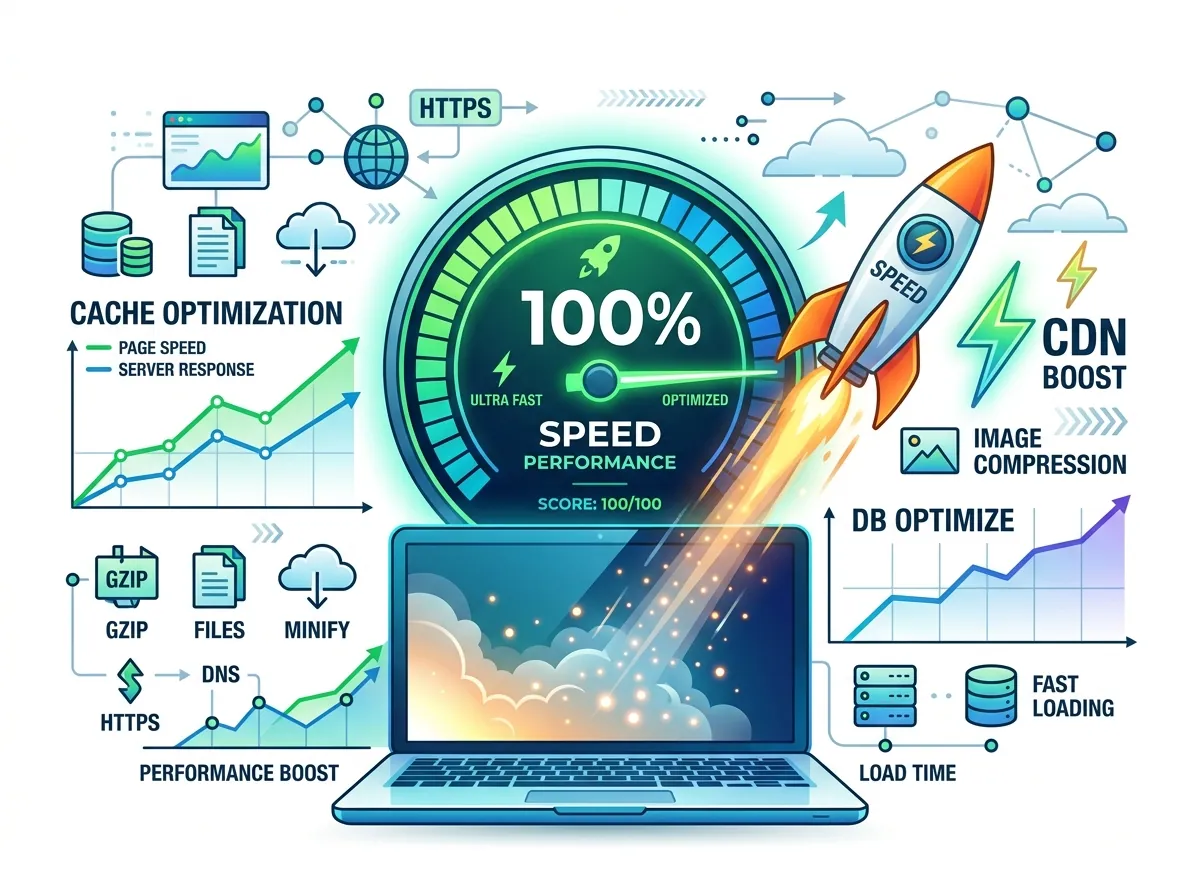
WooCommerce stores need special performance considerations:
- Bypass caching for cart, checkout, and account pages
- Use a dedicated hosting plan (managed WooCommerce hosting)
- Implement Redis object caching for database queries
- Use a CDN for product images
- Monitor performance with New Relic or Query Monitor
Phase 5: SEO for eCommerce
- Optimize product titles for search intent
- Write unique meta descriptions for every product
- Use structured data (Product schema) for rich snippets
- Create category pages with unique, helpful content
- Implement breadcrumb navigation
Conclusion
A successful WooCommerce store requires careful planning, quality development, and ongoing optimization. The investment pays off with a powerful, scalable platform that you fully own and control.
Sujon
Senior WordPress Developer
Building responsive, high-performance and conversion-focused WordPress websites for businesses and international clients.