How to Speed Up a WordPress Website
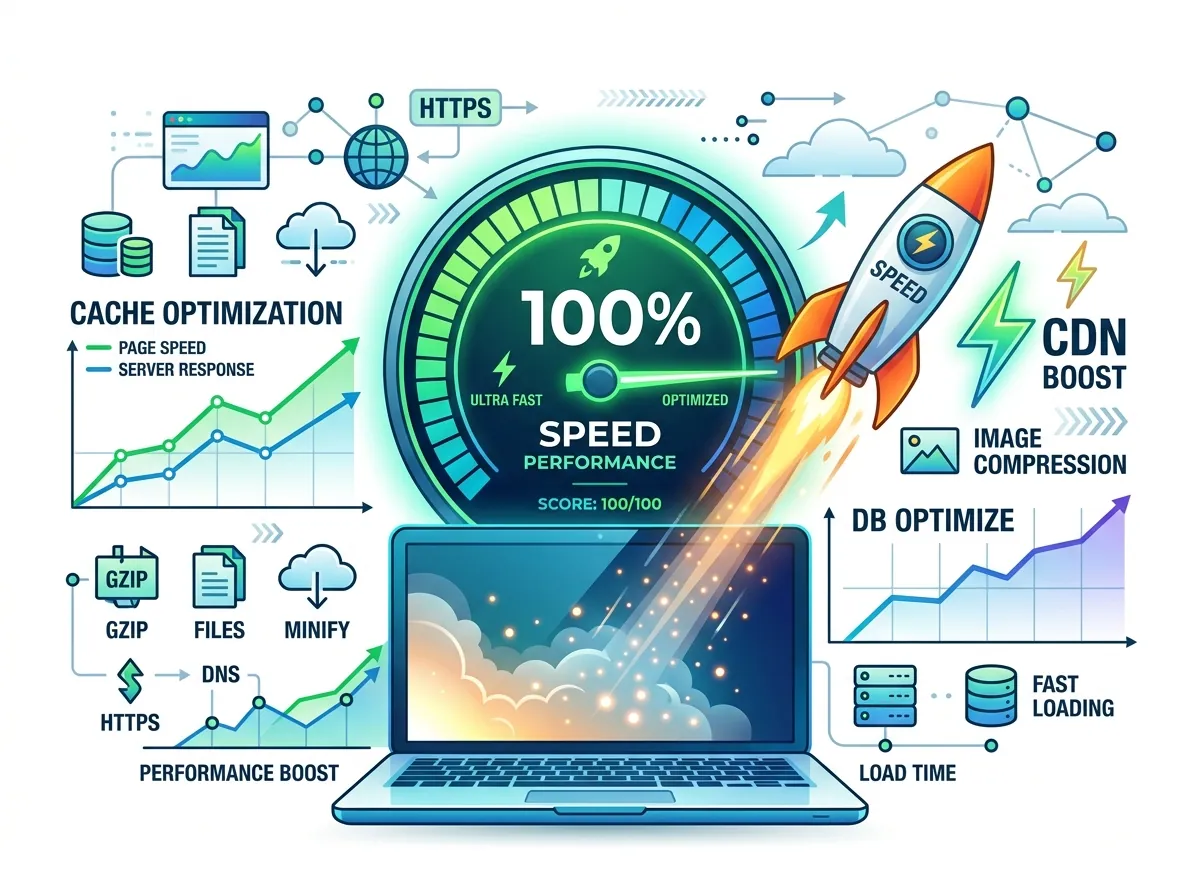
Discover proven techniques to dramatically improve your WordPress website speed and achieve a perfect Core Web Vitals score.
A slow WordPress website kills conversions and hurts SEO rankings. Google's Core Web Vitals directly impact your search rankings, making speed optimization critical for every business website.
Why WordPress Speed Matters
- 53% of mobile visitors leave if a page takes more than 3 seconds to load
- A 1-second delay in page response can result in a 7% reduction in conversions
- Google uses Core Web Vitals as a ranking factor
Step 1: Choose Quality Hosting
The biggest performance improvement often comes from simply upgrading your hosting. Move from shared hosting to:
- Managed WordPress Hosting: Kinsta, WPEngine, Cloudways
- VPS Hosting: DigitalOcean, Linode
- CDN: Cloudflare (free tier works great)
Step 2: Install a Caching Plugin
Caching creates static HTML versions of your pages, dramatically reducing server load:
- WP Rocket (premium, most feature-rich)
- LiteSpeed Cache (free, excellent for LiteSpeed servers)
- W3 Total Cache (free, more complex setup)
Step 3: Optimize Images
Images typically account for 60-80% of page weight:
- Use WebP format
- Enable lazy loading for below-fold images
- Use Cloudflare Image Resizing or ShortPixel
- Set correct dimensions in HTML (avoids layout shift)
Step 4: Minimize CSS and JavaScript
- Use WP Rocket's asset optimization to minify and combine files
- Use "Delay JavaScript Execution" to prevent render-blocking scripts
- Remove unused CSS with tools like PurgeCSS (carefully!)
Step 5: Use a Content Delivery Network (CDN)
A CDN serves your static assets from servers closest to your visitors:
- Cloudflare (free tier is excellent)
- BunnyCDN (affordable and fast)
- KeyCDN (pay-per-use)
Step 6: Optimize Your Database
A bloated database slows down queries:
- Delete post revisions (limit to 3-5 max)
- Remove spam comments
- Clean up transients
- Use WP-Optimize or Advanced Database Cleaner
Step 7: Use a Lightweight Theme
Heavy themes like Avada or Divi load lots of unnecessary CSS/JS. Switch to:
- Astra (fastest theme, 50KB)
- GeneratePress (lightweight, high performance)
- Blocksy (modern, performance-focused)
Expected Results
After implementing these optimizations, most WordPress sites see:
- GTmetrix scores improve from D/F to A/B
- LCP (Largest Contentful Paint) reduced below 2.5s
- Overall page size reduced by 60-80%
Conclusion
Speed optimization is an ongoing process, not a one-time task. Regular audits and maintenance keep your WordPress site running at peak performance.
Sujon
Senior WordPress Developer
Building responsive, high-performance and conversion-focused WordPress websites for businesses and international clients.