How to Build a Professional WordPress Website
Learn step-by-step how to build a professional, high-converting WordPress website from scratch including theme setup, plugins, and SEO.
Building a professional WordPress website requires careful planning, the right tools, and expert execution. Whether you're launching a business site, portfolio, or blog, this guide walks you through every essential step.
Step 1: Choose Reliable Hosting
Your hosting provider is the foundation of your WordPress site. Look for hosting that offers:
- SSD storage for fast load times
- Free SSL certificate
- One-click WordPress installation
- 99.9% uptime guarantee
Recommended providers: SiteGround, Kinsta, WPEngine, or Cloudways.
Step 2: Install WordPress
Most quality hosting providers offer a one-click WordPress installation. After installation, log in to your WordPress dashboard at yourdomain.com/wp-admin.
Step 3: Choose and Install a Theme
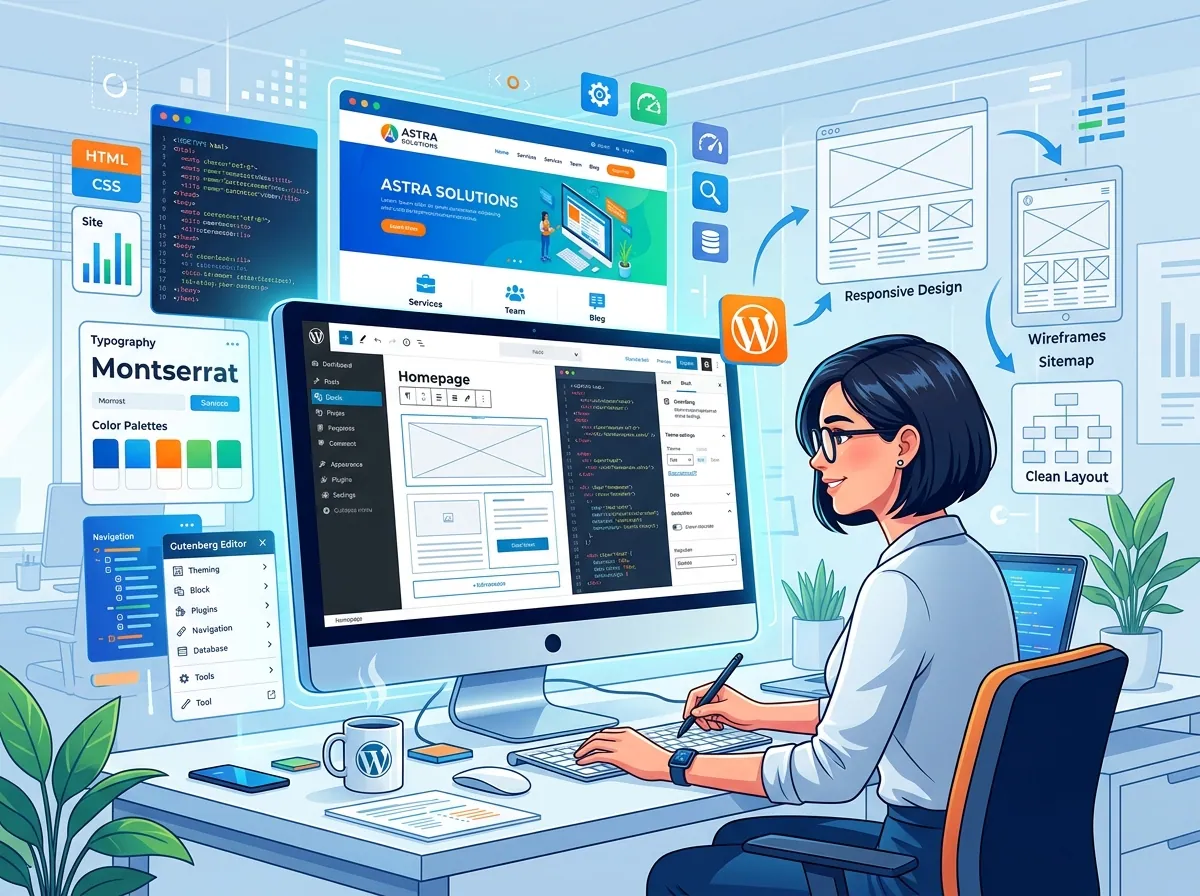
Select a professional theme that matches your brand. Popular options include Astra, GeneratePress, and OceanWP. These lightweight themes are highly customizable and work seamlessly with Elementor.
Step 4: Install Essential Plugins
Every professional WordPress site needs these core plugins:
- Yoast SEO or Rank Math for SEO optimization
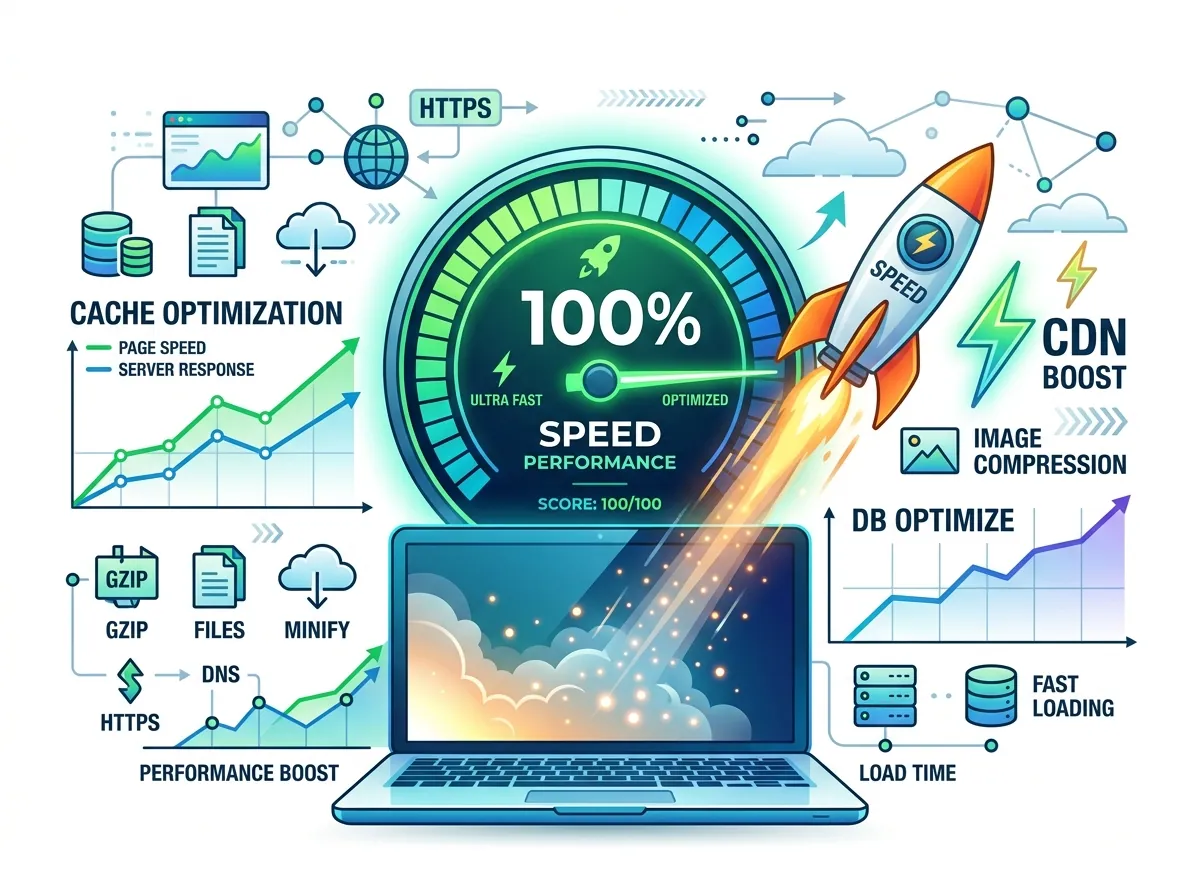
- WP Rocket for caching and speed
- Wordfence for security
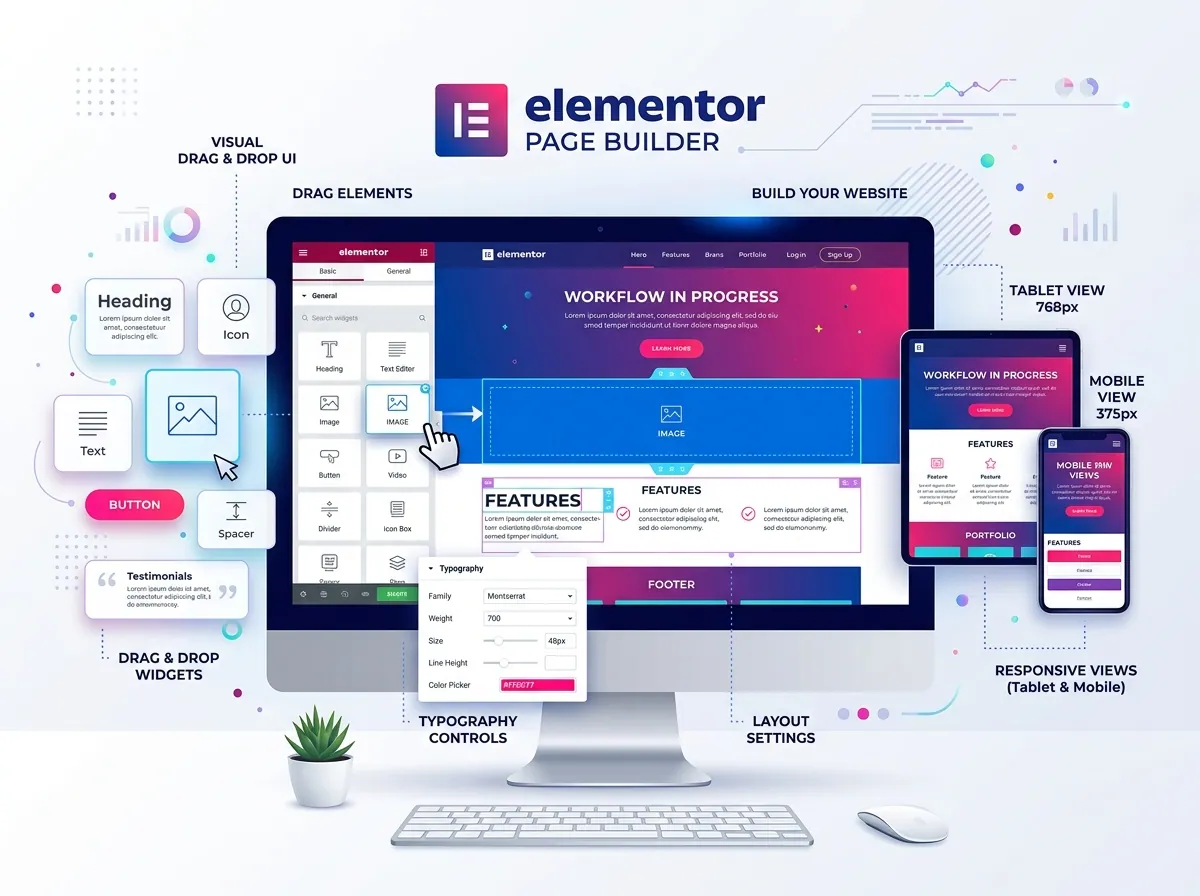
- Elementor for page building
- Contact Form 7 or WPForms for contact forms
Step 5: Design Your Pages
Using Elementor, design your key pages:
- Home page with clear value proposition
- About page with your story and credentials
- Services page with detailed offerings
- Portfolio or Projects page
- Contact page with a functional form
Step 6: Optimize for SEO
Set up proper SEO foundations:
- Install and configure Yoast SEO or Rank Math
- Set up XML sitemap
- Configure meta titles and descriptions
- Use proper heading structure (H1, H2, H3)
- Add alt text to all images
- Connect to Google Search Console and Analytics
Step 7: Test and Launch
Before launching:
- Test on multiple devices and browsers
- Check all forms work correctly
- Verify all links are working
- Run a speed test using GTmetrix
- Ensure SSL is active and HTTPS is forced
Conclusion
Building a professional WordPress website is achievable with the right approach. Focus on speed, user experience, and clear messaging to create a site that converts visitors into customers.
Sujon
Senior WordPress Developer
Building responsive, high-performance and conversion-focused WordPress websites for businesses and international clients.